Copy the drawing
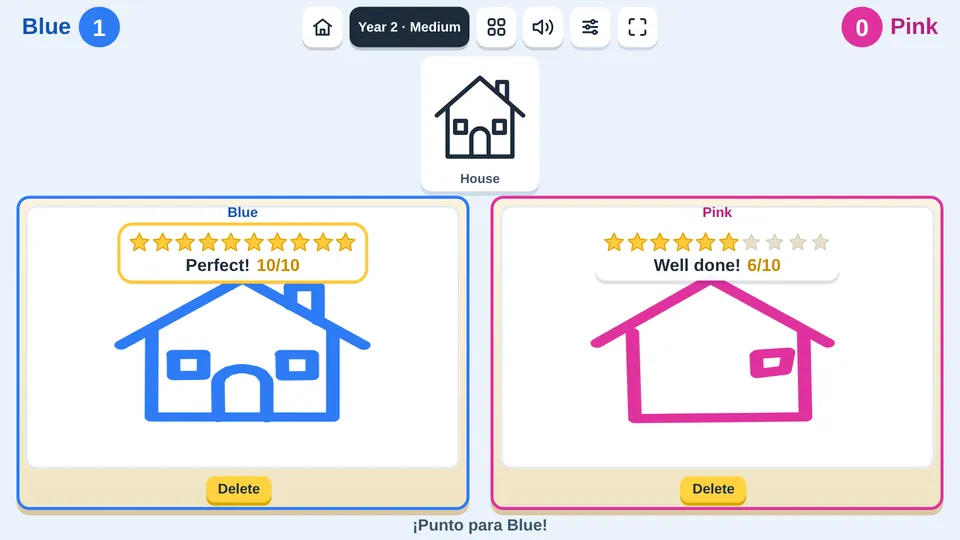
Copy the drawing is a drawing game for the interactive whiteboard. A simple model appears at the top, such as a house, a fish or a bicycle, and each team copies it with a finger on its own part of the screen: 1 to 4 teams can play at once. When time runs out, the game gives each copy 1 to 10 stars depending on how well it is done: it checks that nothing from the model is missing and nothing extra has been added, so scribbling does not work. The class can also decide which one looks more like it.
What children practise
- Hand-eye coordination: turning what you see into lines.
- Fine motor control: straight, curved and closed lines drawn with a finger.
- Noticing proportions and where each part of the picture goes.
- Visual memory, in the mode where the model disappears after 5 seconds.
- Giving reasons for why one drawing is closer to the model.
Levels and settings
Easy drawings
House, sun, fish, boat, cup and flower.
Normal drawings
Adds star, car, tree, umbrella, cat and key.
Hard drawings
Adds rocket, butterfly, bicycle and snail.
Modes
The model stays visible or is drawn from memory; there is also Just draw, with no timer or points, and a button to ask for the stars.
Time
20, 30 or 45 seconds per drawing; Easy gives the most time.
How to play it in class
- Open Copy the drawing and choose the year group and difficulty: the type of drawings and the time adjust themselves.
- In the settings, decide who judges (The game rates it, The class decides or Just draw) and whether the model stays visible or is drawn from memory.
- From 1 to 4 teams play at once (choose it under Players): each one draws with a finger on its own board and has its own clear button.
- When time is up, each copy gets its stars and the point goes to the one with more (or, if the class decides, it votes and you tap the winning team's button or Draw). First to 3, 5 or 8 points takes the game.
Ways to play
In teams, at the same time
The screen splits into 2, 3 or 4 and each team plays on its own part at the same time.
For one player
One child plays on the whole screen at their own pace: on the whiteboard, a computer or a tablet.
Frequently asked questions
How does the game give the stars?
It compares each copy with the model, whether it is bigger, smaller or a little out of place. It checks two things: that all the parts of the model are there and that there are no extra lines, so a scribble covering everything gets one star. With younger children the scale is more generous. If you would rather vote, choose The class decides under Who decides.
Can it be used just for drawing?
Yes. With Just draw there is no timer, no points and no vote: the model stays at the top and changes when you clear the board.
Can all the teams draw at the same time?
Yes. With 2, 3 or 4 teams, each one has its own drawing area and all of them can be used at once.
Is it free?
You can play 5 free games without signing up. After that, a one-off payment of €9.99 unlocks all 100 games for ever, on all your devices. There is no subscription.
Do I need to install anything?
No. It opens in the browser of the interactive whiteboard, panel, computer, tablet or iPad. Once loaded, it also works offline.
More Logic and memory games
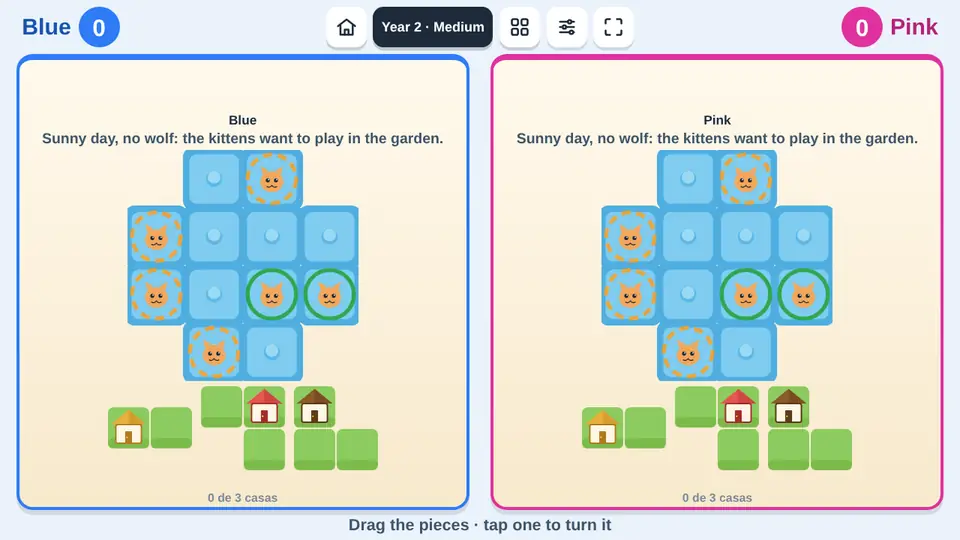 Here comes the wolfHere comes the wolf is a piece-fitting puzzle.
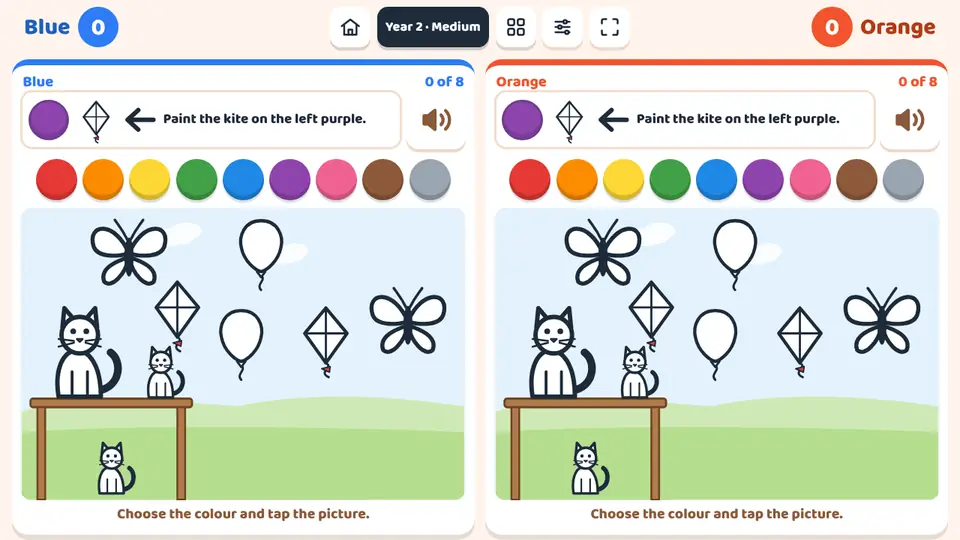 Paint what I sayPaint what I say is a game about following instructions.
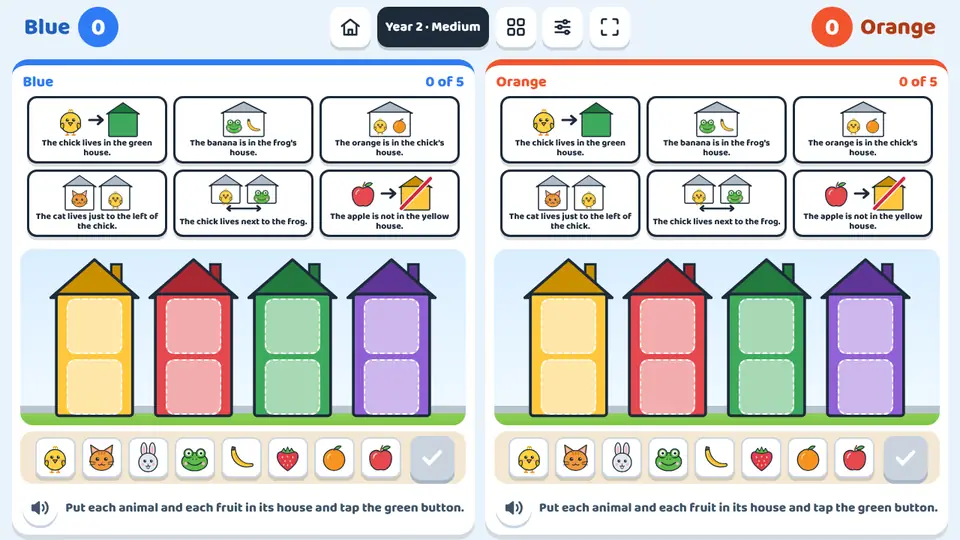 Who lives in which house?Who lives in which house? is a set of picture logic puzzles.
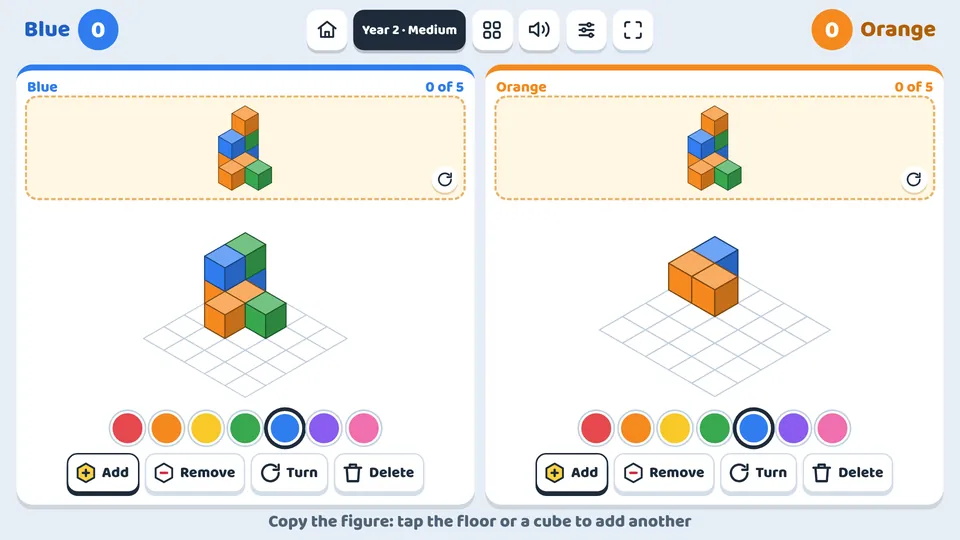 Build with cubesColoured cubes for building in perspective on the interactive whiteboard or tablet.
Copy the drawing
Play now