Square conquest
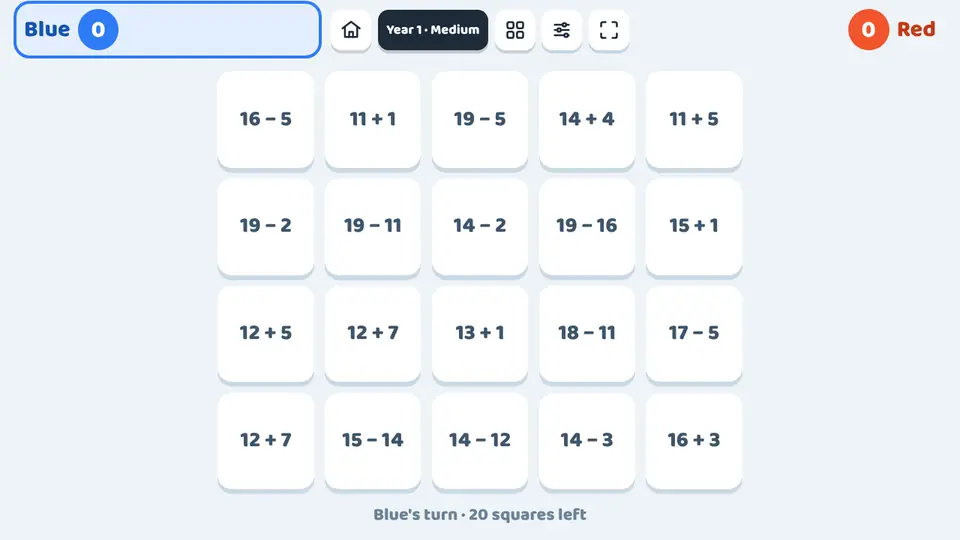
A large board of calculations for the interactive whiteboard, with 12, 20 or 24 squares. Taking turns, each team picks a square, solves its calculation on the number pad and, if the answer is right, paints it in the team colour. The game ends when no free squares are left, and the team with the most squares wins.
What children practise
- Multiply by one and two digits and divide by one and two digits.
- Work out simple percentages: 10, 20, 25, 50 or 75 % of an amount.
- Solve powers, square roots and mixed operations in the correct order.
- Choose wisely which calculation to tackle among all those on the board.
- Keep track of each team's squares and of those still free.
Levels and settings
Years 1 and 2
In Year 1, addition and subtraction to 10, 20 and 99; in Year 2, with regrouping up to 999 and multiplication as repeated addition. In Year 2, the 2, 5 and 10 times tables too. In Year 2, on hard, multiplying by one digit too (23 × 4).
Year 3
All times tables, adding and subtracting to 9,999, or one-digit multiplication and division, depending on difficulty. In Year 3, on hard, multiplying by two digits (34 × 12) and dividing by one digit with a two-digit answer (84 ÷ 4) too.
Year 4
Three digits by one, two digits by two or division by one and two digits. In Year 4, the order of operations (5 + 3 × 4) and simple percentages too. In Year 4, adding and subtracting up to 99,999 and dividing by two digits with a two-digit answer (360 ÷ 12) too.
Year 5
Division by two digits, squares and cubes with percentages, or mixed operations. Also fractions of amounts (3/4 of 20) and decimals (2.5 × 4). In Year 5, three digits by two (345 × 27) and decimals that make a whole number (7.5 + 2.5; 2.5 × 12) too.
Year 6
Squares, cubes and roots, mixed operations or calculations with brackets. Also percentages such as 15% and fractions of amounts. In Year 6, decimals divided by decimals (4.8 ÷ 0.6) and multiplied by 10, 100 and 1,000 (3.75 × 100) too.
Board
4 x 3, 5 x 4 or 6 x 4 squares; the small board makes a shorter game.
How to play it in class
- In the settings, choose the year group and difficulty: they decide which calculations appear on the board.
- Name the teams, then choose the board size and what happens after a wrong answer.
- The team whose turn it is taps a square and keys in the answer.
- A right answer paints the square in the team colour; the score and the count of free squares update.
- When no free squares are left, the team with the most wins.
Ways to play
In teams, taking turns
Two to four teams share the board and play one after the other.
For one player
One child plays on the whole screen at their own pace: on the whiteboard, a computer or a tablet.
Frequently asked questions
How long does a game last?
It depends on the board: 12, 20 or 24 squares. The game ends once they have all been conquered.
What happens after a wrong answer?
Depending on the settings, the turn passes and the square stays free, or the square goes to the other team.
Can a child play alone?
Yes. In On my own mode the child solves the squares one by one until none are left.
Is it free?
You can play 5 free games without signing up. After that, a one-off payment of €9.99 unlocks all 100 games for ever, on all your devices. There is no subscription.
Do I need to install anything?
No. It opens in the browser of the interactive whiteboard, panel, computer, tablet or iPad. Once loaded, it also works offline.
More Maths games
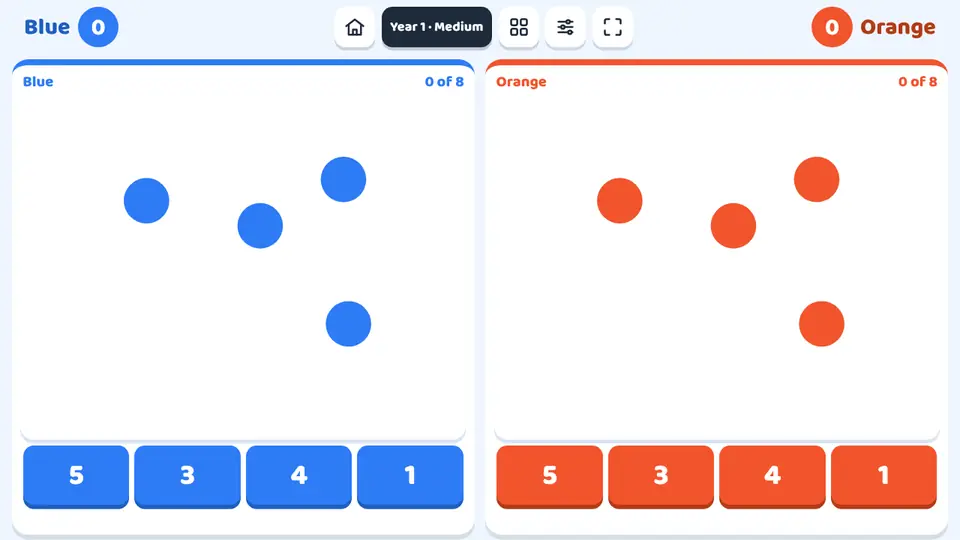 How many are there?How many are there? is a counting game for Early years and the first years of primary.
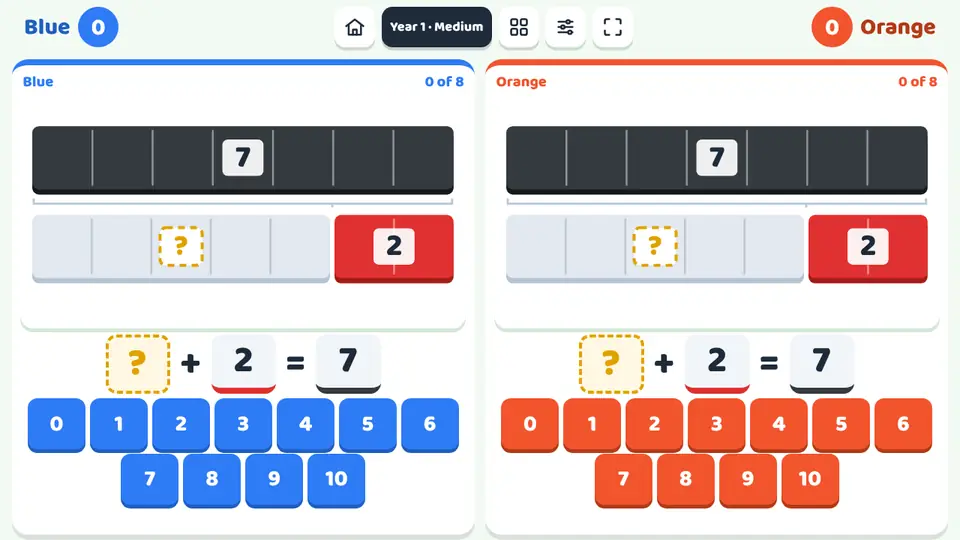 The two partsThe two parts teaches number bonds with the part-part-whole bar model.
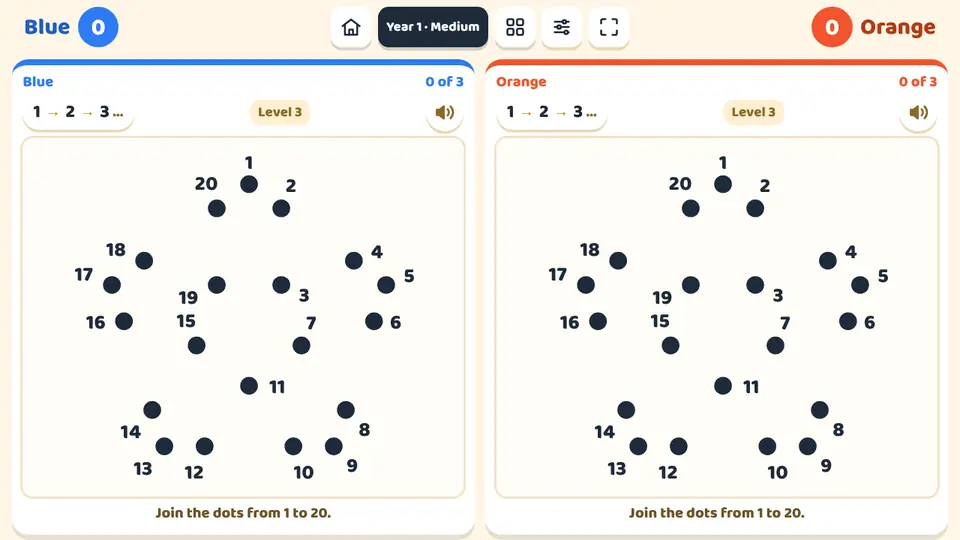 Join the dotsJoin the dots turns the number sequence into a picture.
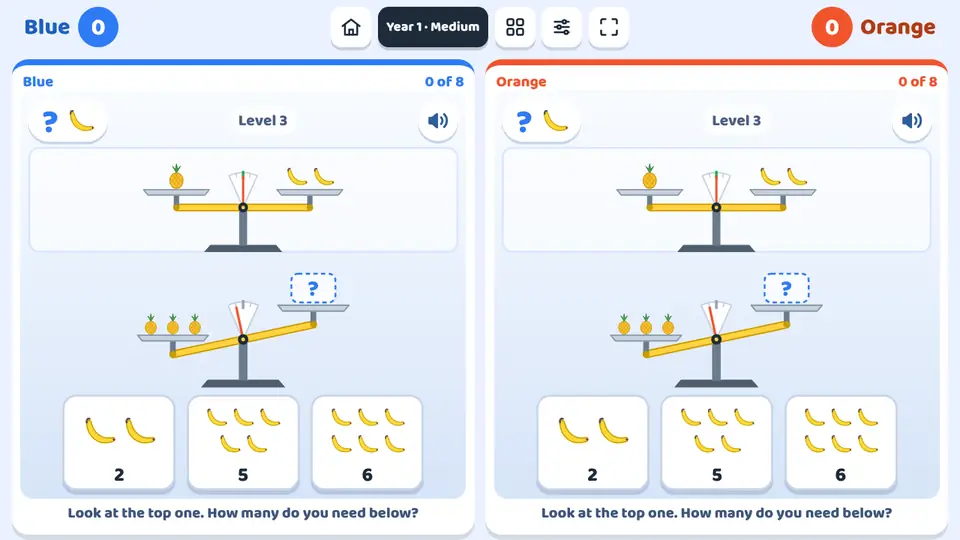 The scalesThe scales is a two-pan balance that tips towards the heavier side.
Square conquest
Play now